
Share a shopping list without asking someone to create an account
If someone else is making the next shopping trip, they need the list and the important item details. With Got Plenty Pro, you can send a shopping-list link they can open free in a browser or the app. They do not need a Got Plenty account or a Pro purchase.
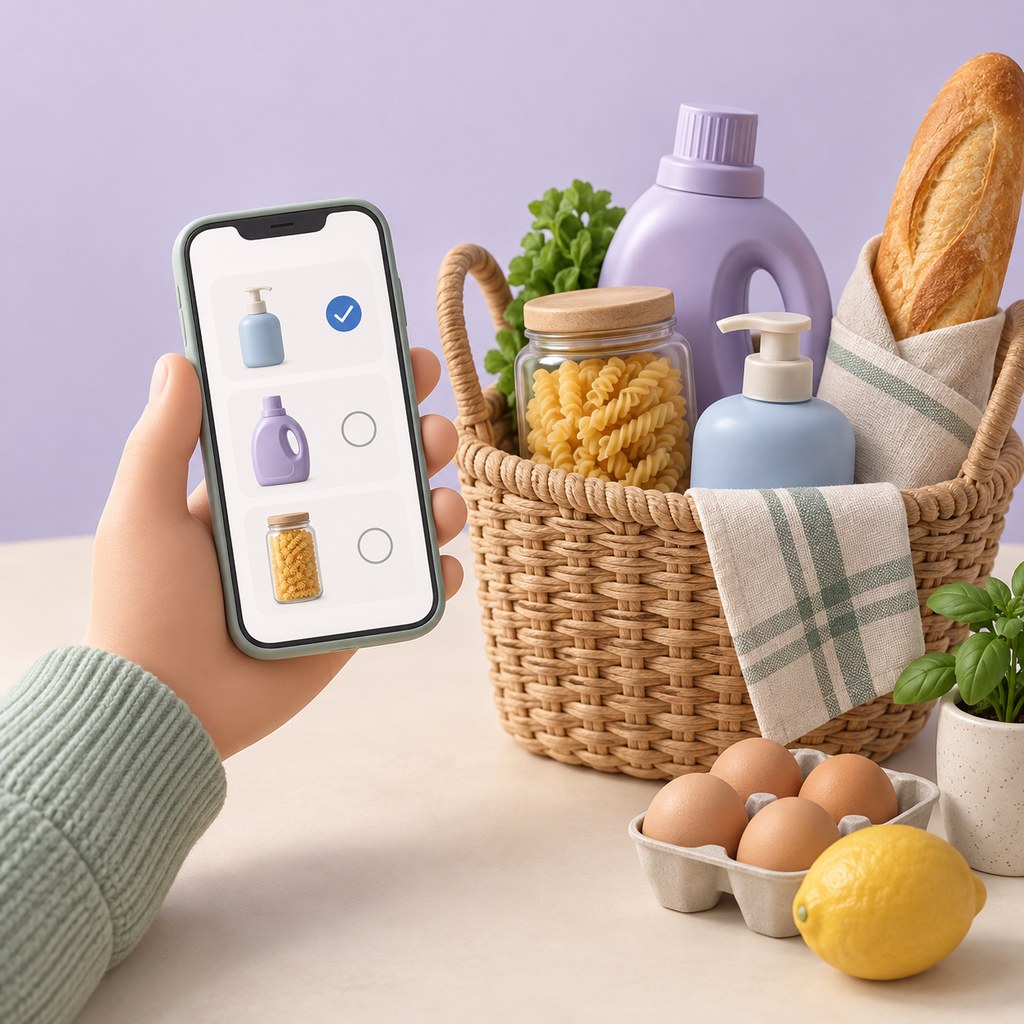
1. Prepare the list you want to send
Check supplies and review your cart before sharing. Keep useful shopping notes alongside items so the person shopping can see the brand, size, or other detail you want them to use.
Pro lets you create a shopping-list snapshot containing one home or all homes. Preview the selection before creating the link. Creating it needs an internet connection.
2. Send the link to your shopper
Use the app’s sharing options to send the link through your chosen messaging app. The recipient can open it in a browser without installing Got Plenty, signing up, or buying Pro. Internet access is needed to open the hosted link.
Anyone with the link can read the shared list until it expires. Send it only to people you intend to share it with, and avoid putting sensitive details in shopping notes.
3. Understand the snapshot
The link shows the list as it was when you created it. Adding or removing items in your own cart later does not change that snapshot. If the shopping plan changes, create and send a new link and tell your shopper which one to use.
- Links expire seven days after creation.
- Recipients have independent checkmarks; checking an item does not update another person’s list.
- Sharing does not give access to your private inventory or iCloud data.
- The link is a handoff, rather than a live collaborative list.
4. Agree who is buying what
Independent checkmarks work well when one person takes the list to the shop. If two people are shopping, agree which items each will buy in your conversation. Their checkmarks will not coordinate purchases for them.
After the trip, update your own cart in Got Plenty. The sender’s inventory and cart are not changed by the recipient’s browser checkmarks.
What does sharing cost?
Creating shopping-list links requires Got Plenty Pro. Pro is an optional one-time purchase and also removes ads and unlocks unlimited homes, rooms, and items. The app shows your local price before purchase. There is no subscription, and opening a received list is free.
Next: A household essentials checklist, room by room →
Questions about offline use, pricing, and sharing? Read the FAQ.
Know what’s at home before you shop.
Start free on iPhone and iPad. No separate account needed.